

If creating visuals is the part of marketing you secretly dread, because it eats up time, breaks your focus, and still never looks quite right, then this post is for you. When you’re running a small business solo, you don’t need another design tool to “figure out,” you need a faster way to get scroll-stopping images done without overthinking every pixel.
In this guide, I break down exactly how I use AI image generators for small businesses to create on-brand marketing visuals in minutes, not hours, using a simple, no-stress workflow that actually fits into real life. No design background required, no expensive software, and no bouncing between ten tools, just a clear path to getting your content out the door and back to running your business.

Affiliate Disclosure: This post contains affiliate links. If you purchase through these links, I may earn a commission at no extra cost to you. You can find the full disclosure here.
Introduction
Creating marketing visuals fast is tough when you’re running a small business solo. That’s why I started testing AI image generators, and they’ve completely changed my content workflow.
Most people use AI image tools the slow way.
They jump between platforms, redo designs for every size, and still end up frustrated.
This workflow avoids that entirely.
That’s why I started testing AI image generators, and honestly, they’ve changed how I create content(learn how to batch create content with AI here). In this post, I’ll walk you through a simple 3-step workflow for generating marketing-ready images fast, using tools I’ve tested (and one I’m testing right now).
No design skills needed. No expensive software. Just actionable steps you can start using today.
This post is all about AI image generator for small business marketing.
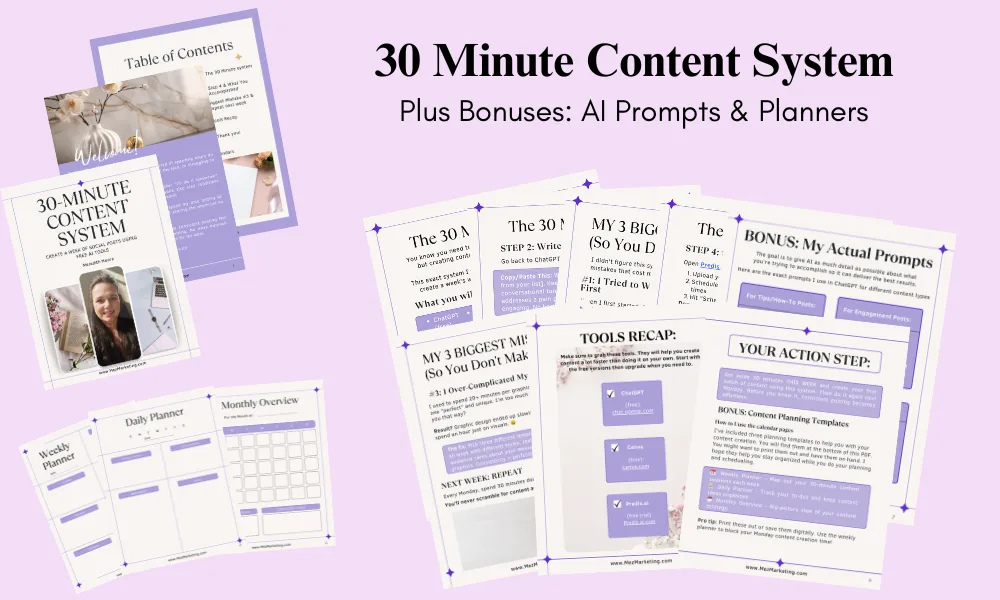
Before we dive in, want to batch-create a week of content in 30 minutes? Grab my free 30-Minute Content System here.
- Introduction
- Why Small Business Owners Need AI Image Generators Right Now
- How to Use AI Image Generators for Marketing: Try This 3-Step Workflow
- Bonus AI Image Tools for Your Workflow
- What to Watch Out For (So You Don't Waste Time)
- Start Using AI Image Generators Today (Action Steps)
- AI Image Generators: Your Shortcut, Not a Replacement
- Before you go… This will Help You Get Even Better Results.
- Helpful Tools & Resources to Grow Your Business
Why Small Business Owners Need AI Image Generators Right Now
If you’re running a side hustle, affiliate site, or small business, you know this pain:
- You need fresh visuals for social posts, ads, blog headers, and Pinterest pins—constantly
- Hiring a designer for every graphic drains your budget fast
- DIY design tools overwhelm you with features you’ll never use
- You don’t have TIME to become a Canva expert or learn Photoshop
Here’s the good news: AI image generators for small businesses have gotten ridiculously good. They let you create professional-looking visuals in minutes—even if you’ve never designed anything before.
And the best part? You can generate marketing images fast with AI tools without sacrificing quality or your brand identity.
Let me show you how.

How to Use AI Image Generators for Marketing: Try This 3-Step Workflow
If you need visuals for blog posts, social media, or promotions, here’s the workflow I recommend for creating marketing visuals quickly, based on tools I’ve tested and some I am actively using.
Quick note: You don’t need to use all three tools at once. This workflow is about speed, not stacking more software.
You can start with one step and build from there.
Step 1: Generate Images Fast With an AI Image Generator (FlexClip)
What it does: Creates AI-generated images from text prompts, perfect for social graphics, ad images, blog headers, and thumbnails
Real quick: FlexClip does more than generate images. It’s a full video editing platform with AI background removal, photo editing, style transfer, and other features I’m still testing. For this workflow, we’re just using its image generator, but I’ll walk you through everything else with FlexClip in my upcoming review.
I’m currently testing FlexClip for my content workflow, full review coming soon, but here’s why it works so well as an AI image generator for small business owners:
How to use it:
- Log into FlexClip and choose a template (social post, ad, thumbnail, etc.)
- Type a simple prompt like: “clean product launch graphic, pastel background, bold headline, minimal design”
- Let the AI generate options
- Adjust fonts, colors, and layout to match your brand
- Export in the right size for your platform (Instagram, Facebook, Pinterest, blog header)
Why it works: You get a professional-looking image in under 5 minutes. No complicated menus. No design paralysis. Just pick a template, tweak it, and you’re done.
Tip for you: Save your brand colors and fonts in FlexClip so every image stays consistent. This is how you avoid that “random AI look” and keep your visuals on-brand.

Step 2: Use (Predia.ai) to Create Full Social Posts
What it does: Generates complete social media posts; images, captions, and hashtags, all in one shot.
I’ve tested Predis.ai for my social content workflow, and it’s a solid option for batch-creating posts. Here’s why it works well for quick AI image tools for solopreneurs:
How to use it:
- Open Predis.ai and enter a brief: “Promote new blog post on AI tools, friendly tone, 1080×1080.”
- The AI generates 3-5 complete post options—each with an image, caption, and hashtag suggestions
- I pick the one that feels most “me,” tweak the copy if needed, and schedule it
Why this matters: Most AI tools just give you an image. Predis.ai gives you the whole post. That’s the difference between spending 20 minutes per post versus 3 minutes.
Step 3: Scale AI-Generated Visuals for Campaigns (Simplified)
What it does: Creates multiple versions of graphics for different platforms without starting over
I’ve tested Simplified for campaign workflows (read my full Simplified review here), and here’s what makes it useful: when you need the same visual in multiple sizes (Instagram, Pinterest, Facebook ads), it handles the resizing automatically.
How to use Simplified:
- Create one base graphic (headline, colors, layout)
- Click “resize” and choose your formats (Instagram 1:1, Pinterest 2:3, Facebook ad 1.91:1, etc.)
- Simplified automatically adjusts the layout for each size
- Download all versions at once
Why this saves time: You design it once and export everywhere. No more recreating graphics manually for each platform. This is especially helpful when using an AI image generator for small-business marketing campaigns, where consistency across multiple channels matters.
Bonus: Simplified also has AI copywriting features, so if you need ad headline variations or caption ideas, it’s built in.
Bonus AI Image Tools for Your Workflow
You don’t need these to get started, but they’re helpful when you want to level up your visuals or streamline your process.
Canva AI (for polishing and branding)
I still use Canva AI when I want to add text overlays, borders, or extra design elements to my AI-generated images. It’s great for that final polish before posting.
Quick use case: Generate an image in FlexClip, bring it into Canva, add a text box with your call-to-action, and export. Then you’re done.
Headshot Pro AI (for professional branding photos)
If you need headshots for your website, LinkedIn, or About page, Headshot Pro AI generates professional-looking photos without a photoshoot. I haven’t tested this one personally yet, but many solopreneurs use it for quick branding updates. I believe FlexClip can do the same thing. Once I’m done testing it, I will let you know in the review.
Grammarly (for caption and ad copy)
I run all my social captions and ad copy through Grammarly before posting. It catches typos, suggests clearer wording, and makes sure I sound professional (even when I’m writing fast).
Claude AI (for writing captions and content) – If you need help writing compelling captions or blog content to go with your images, read my Claude AI review to see how this tool compares to ChatGPT.
What to Watch Out For (So You Don’t Waste Time)
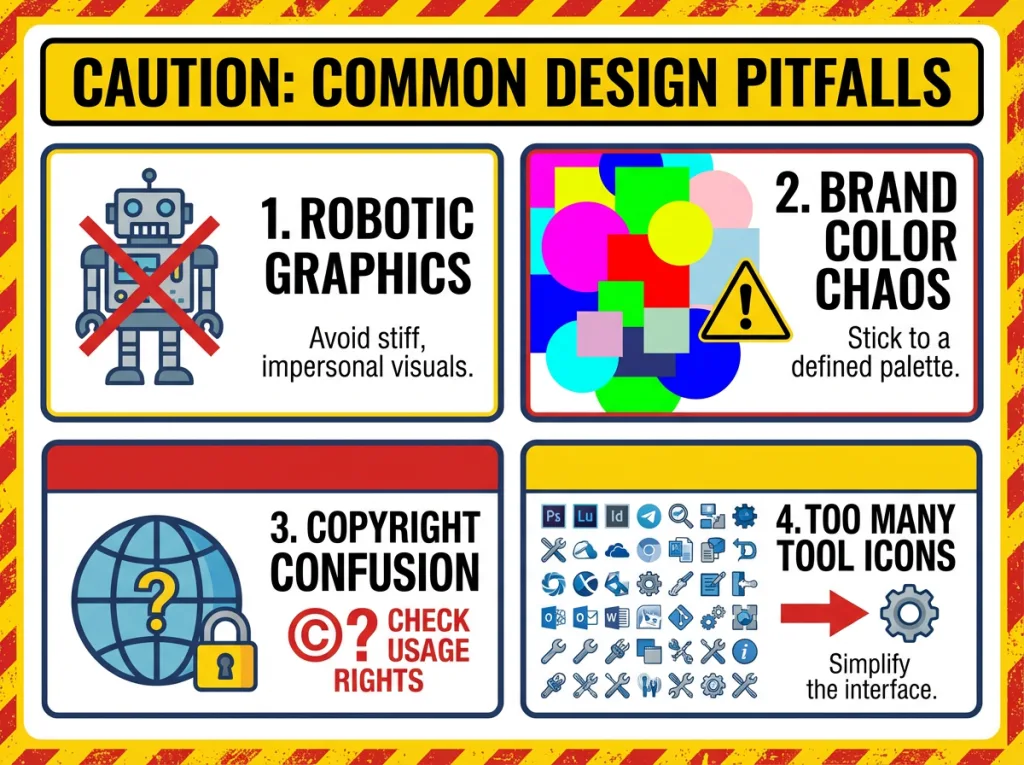
Mistake #1: Using the Same Prompt Over and Over
If every image you create uses the same style or prompt, your content starts looking robotic. This applies to your captions too, learn how to humanize AI-generated content so it sounds like you, not a robot. Mix it up a little and change colors, layouts, and wording to keep things fresh.
Mistake #2: Skipping Brand Consistency
AI tools give you endless options, but that doesn’t mean every wild design fits your brand. Stick to your brand colors, fonts, and overall vibe. Save these as presets in your AI tools.
Mistake #3: Forgetting Licensing and Usage Rights
Most AI image generators for business create images you can use commercially, but always check the terms, especially if you’re using visuals in paid ads or product sales.
Mistake #4: Tool Overload
You don’t need 10 different AI tools. Pick 2-3 that fit your workflow and master them. Block 30 minutes once a week to batch-create your visuals. It’s faster than designing on the fly every time you need a post.
Start Using AI Image Generators Today (Action Steps)
Ready to try this workflow yourself? Here’s what to do right now:
- Pick ONE tool to start with (I recommend Predis.ai if you want full posts, or FlexClip if you just need images fast)
- Choose one upcoming post or promo you need a visual for
- Follow the steps in this post and create your first AI-generated image
- Adjust colors/fonts to match your brand so it looks like you made it
- Post it and track engagement (you might be surprised how well it performs)
If you’re new to AI tools, check out my guide to 7 content creation AI tools for beginners to see what else is available. The best way to learn is to just jump in and do it. Pick a tool, spend 10 minutes testing it, and go from there.

AI Image Generators: Your Shortcut, Not a Replacement
Look, these tools aren’t magic. They won’t turn you into a professional designer overnight, and they won’t replace your unique brand voice.
But they will save you hours every week, cut your design costs dramatically, and let you create consistent, professional visuals without the stress.
If you’re tired of staring at a blank Canva screen or waiting days for freelancer revisions, these AI image generators for small businesses are worth a try.
Give it a shot. Create one graphic this week using this workflow and see how it feels. You might just find your new favorite time-saver. If you’ve been avoiding content because visuals slow you down, this is your way out.
Before you go… This will Help You Get Even Better Results.
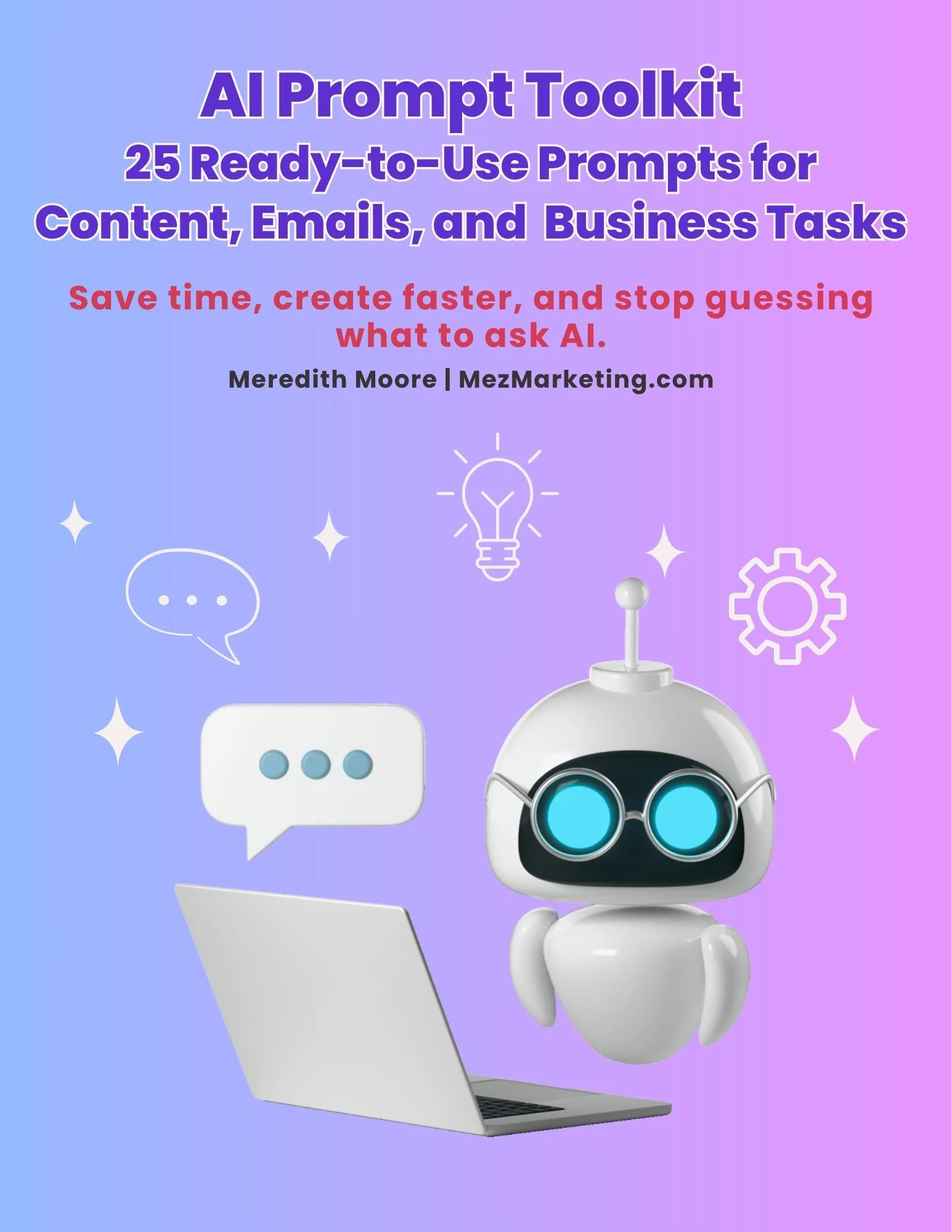
If you want more tutorials like this, tips on AI tools, and behind-the-scenes of what’s working for my business, then grab my free 25 AI prompt toolkit, and you will get it all sent straight to your inbox. When you’re working with AI image generators, the right prompt makes all the difference between “meh” results and graphics you’re actually excited to post.
I put together a free 25 AI Prompt Toolkit with ready-to-use prompts for any AI tool, not just image generators.
Inside you’ll find:
- 25 plug-and-play prompts for blog posts, emails, social media, and visuals
- The exact prompts I use that save me hours every week
- Simple explanations so you know when and how to use each one
Fill out the form below, and I’ll send it straight to your inbox.
I respect your privacy. Unsubscribe anytime.
Which tool are you most excited to try first: FlexClip, Predis.ai, or Simplified? Drop a comment below and let me know what type of visuals you’re creating (social posts, blog graphics, ads). I’d love to hear what you’re working on!
Let’s stay connected! Follow me on all my social platforms for quick tips, tool updates, and honest reviews as I test new AI tools.
To your success,

Helpful Tools & Resources to Grow Your Business
- The Iceberg Effect – Free copy (just cover shipping)! Unravel affiliate marketing secrets. Grab it now!
- Affiliate Marketing Free Guide – No-fluff guide to ignite your affiliate success. Get it here!
- Website Speed Optimization Plan – Free checklist to make your site lightning-fast. Download now!
- Free Report by Dean Holland – Why marketers fail online from a million-dollar mentor. Snag it here!
- Legal Templates for Entrepreneurs – Pro-crafted legal docs for online pros. Secure yours now!
- ConvertKit – Email funnels that convert. Try it now!
- Bluehost – Fast, secure hosting to dominate the web. Power up here!
If you know a solopreneur or small business owner drowning in design work, send them this post. The right AI tool could save them hours every week.


Hi Meredith,
Thanks for sharing your post. I’m at the place of identifying AI tools I want to continue using moving forward. I’ve been using primarily Chat GPT for content and Gemini for images. Gemini is very limited. mostly whatever I ask it to seize a logo or image I often get back the exact same size, even if I list actual dimensions. I’m looking forward to try these you’ve listed over the holidays and hopefully get better results. Thanks again.
Hey Denny!
Thank you, and you’re definitely not alone there.
A lot of people start with ChatGPT for content and then bump into limits with image tools like Gemini. It’s great for quick visuals, but it can feel stubborn when you need specific sizes or control.
All three of the tools I mentioned in my post let you resize or export images with exact dimensions, which makes a huge difference if you’ve struggled with Gemini defaulting to the same size. Being able to lock the canvas or adjust the image after generation ensures your visuals fit perfectly for blogs, socials, or ads, no guessing required.
I’m glad you’re planning to experiment over the holidays, it’s the perfect low-pressure time to see which tool fits your workflow best. If you need help with anything just reach out. Best of luck to you!
Hi Meredith – You continue to be a wealth of information, and your blog post truly show your research and care to add value. This is such a practical and reassuring breakdown for anyone who feels stuck or overwhelmed by creating visuals. I really appreciate how you focused on speed and simplicity without sacrificing brand consistency because that is where most small business owners struggle. Your step-by-step workflow makes AI feel approachable instead of intimidating and shows how these tools can support creativity rather than replace it. This is the kind of guidance that actually helps people move forward instead of feeling more behind. Have a great week!
Hey Ernie!
Thank you so much, I really appreciate you saying that!
You’ve summed it up perfectly… The goal is to make AI feel like a helper, not a hurdle, and to keep things simple while still keeping your brand consistent. Small tweaks and a clear workflow go a long way in making visuals manageable without adding stress.
I’m really glad my post helped you, and I hope your week is off to a great start too!
Hi Meredith,
The first thing I know now that I need to do before going on a website finding trip to help my business is this: read Merediths blog!!
A big wealth of information (once again) and definitely a game-changer when you’re looking to cut down on time spent getting the results you want.
Thanks for taking the time to test these and giving us the rundown of it all; this is definitely worth it’s pot of gold – and a great Christmas gift to everyone! Cheers!
Hey Marc!
Thank you so much, that put a big smile on my face! 😊
I’m so glad my blog came across as helpful and that the breakdown is saving time for you. That’s exactly what I hoped for… Giving people a clear, tested rundown so you can get results without wasting hours figuring things out. Comparing tools, seeing what works, and sharing it in a simple way is my way of making this journey we’re all on a little easier…
I really appreciate your kind words, and cheers right back at you!
Hi Meredith,
Your three-step workflow is spot on for small business owners who need visuals quickly. I especially liked how you broke down each tool’s specific use case rather than lumping them all together.
The reminder about brand consistency is key. It’s easy to get carried away with AI-generated options and end up with content that doesn’t match your actual brand.
Looking forward to your full FlexClip review!
Cheers,
Atif
Hey Atif, thank you! 😊
You’re so right about brand consistency. AI makes it really easy to go off the rails if you’re not paying attention, and then you’re left wondering why nothing feels quite like you.
Glad the workflow helped and that the tool breakdown made things clearer. I’ll definitely be sharing more in the full FlexClip review soon. Thanks for reading and for the thoughtful comment!