
Tested AI Tools • Small Business Friendly
Best AI Tools for Small Business Owners to Save Time (Tested)
Small business owners don’t need more AI hype. Our time is way too valuable… What they need is the best AI tools that will save time and help them get work done faster.
This page gives you a quick way to see which tools are worth looking at, what each one is best for, and where to go next.
At a Glance
Which of the Best AI Tools for Small Business Owners Is Right for You?
A quick comparison to help you choose the right tool.
| Tool | Best For | What It Helps With | Limitation |
|---|---|---|---|
| ChatGPT | Writing | Ideas, drafts, and emails | Needs clear prompts |
| Claude | Editing | Tone, clarity, and rewrites | Has less flexibility |
| Canva AI | Design | Graphics, visuals, and pins | Needs some tweaking |
| Gemini | Research | Research, ideas, workflow | Is weaker for editing |
Start Here
Pick the Best AI Tools for What You Need In Your Business
These are the tools I recommend starting with based on the type of work you need help with most. I have personally used and tested each one.
ChatGPT
Writing and brainstorming
When getting started is your biggest bottleneck, ChatGPT is one of the most useful tools to have on hand. It works very well for brainstorming, outlining, drafting, and helping you move faster when the page is blank.
One honest limitation
It can sound a little generic without clear prompts.
Canva
Design and graphics
For small business owners who regularly create content as I do, Canva AI can make the design side of things go much faster. It helps with blog graphics, social media visuals, and other content without making you feel like you need to become a designer overnight.
One honest limitation
Some AI results still need tweaking.
Claude
Editing and refining
Claude really stands out when you already have something written and just need it to sound better. It’s one of the best tools I’ve tested for cleaning up tone, improving clarity, and helping everything flow better with less editing after.
One honest limitation
Claude can also sound a little generic sometimes without clear prompts.
Gemini
Research and Google workflows
Business owners who already use Google tools may find Gemini especially useful for research, ideas, and productivity. It is a strong option to explore when you want AI support inside a Google-based workflow.
One honest limitation
It’s not always the best choice for editing.
Comparisons
How to Choose the Best AI Tool for Your Small Business
If you are wondering which AI tool is best for small business owners, the answer depends on the type of work you need help with most.
ChatGPT vs Claude
Start here if you are choosing between faster drafting and stronger editing.
ChatGPT vs Gemini
Meanwhile, this comparison helps if you want to see how a flexible writing assistant stacks up against a Google-first workflow tool.
Choose the Right Tool
Which AI Tool Should You Start With?
The best place to start is with the part of your workflow that slows you down the most.
ChatGPT is a good fit if you want a flexible tool for writing, ideas, outlines, and everyday business tasks.
Claude makes more sense if you want stronger editing, smoother writing, and help cleaning up what you already wrote.
Canva AI is probably the better choice if graphics and visual content are what slow you down most.
Gemini is worth looking at if you use Google tools often and want help with research and workflow support.
Free Toolkit
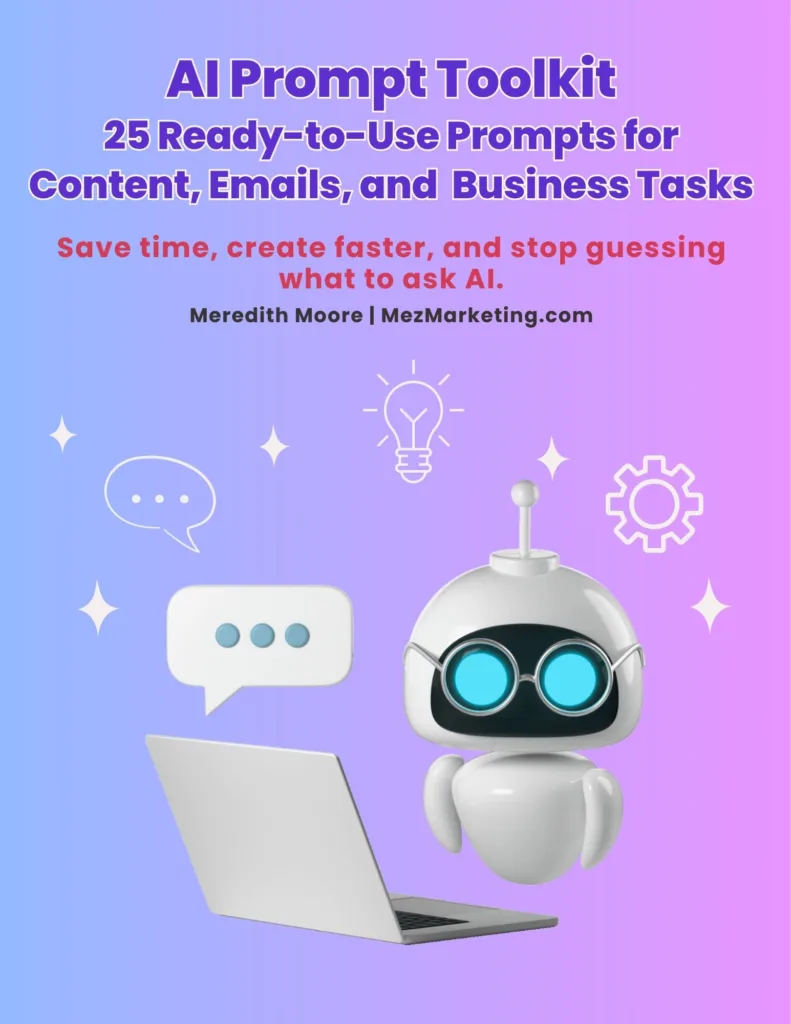
Not sure what to ask AI once you pick a tool?
Grab my free 25 AI Prompt Toolkit with simple prompts for content, emails, and business tasks so you can stop guessing and start creating faster.
The Best AI Tools for Small Business Are the Ones That Save You Time
You don’t need every AI tool. Instead, you need the one that saves you time, fits your workflow, and makes creating easier. Once you know what is slowing you down the most, it becomes much easier to choose the right tool to start with. Then, from there, you can explore the full reviews and comparisons above to find the best fit for your business.